From printing custom QR table cards to projecting real-time guest photos on venue screens and downloading the full original HD gallery — here's how GuestDrop powers your gathering.
312 Photos Streaming
Events Hosted
Photos Uploaded
Registered Guests
Avg Event Days
Pick your event duration pass. Enter your gathering name (e.g. "Sarah & Liam's Wedding" or "Bali Trip 2026") and instantly generate your print-ready PDF table tent cards, digital QR codes, and custom shareable link.
Scan with your phone camera to share candid photos!
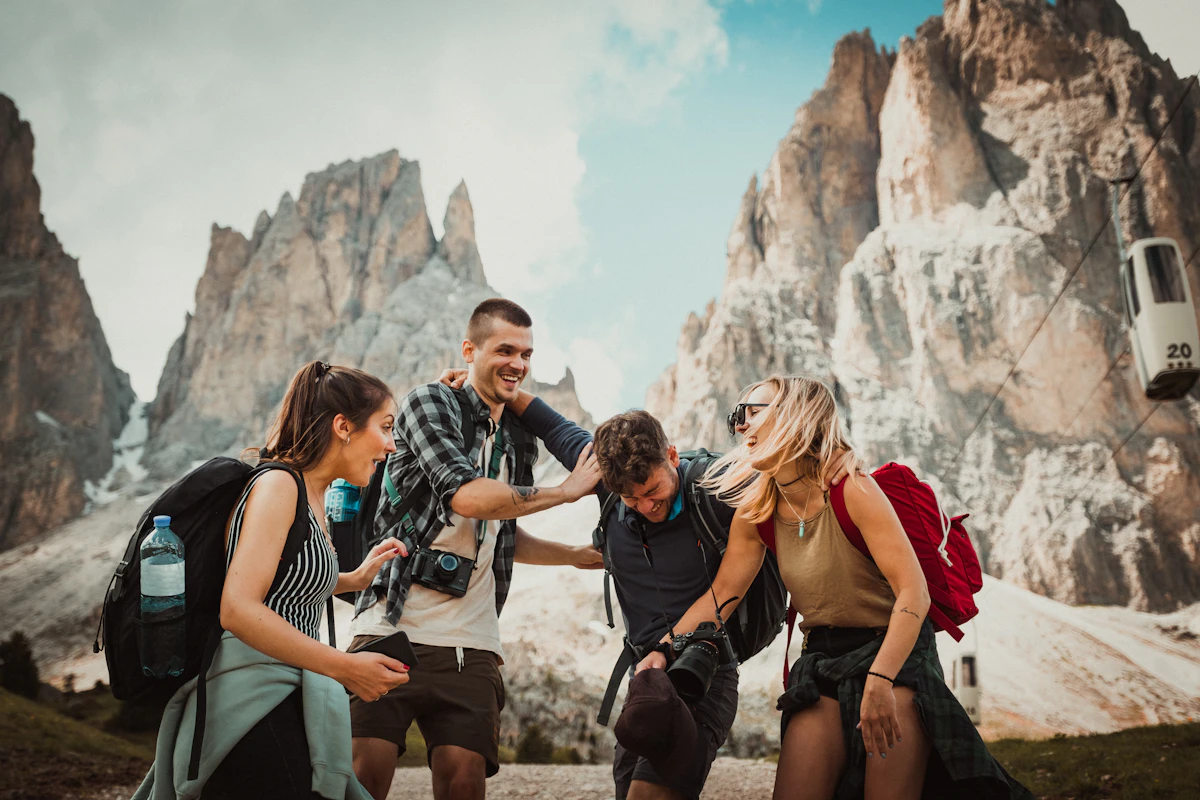
Nobody needs to download an app, create an account, or remember passwords. Guests point their smartphone camera at the QR code, tap the link, and immediately drop photos from their phone browser.
As guests take photos throughout your event or vacation, the album updates in real time. Open the Projector Screen Mode on any smart TV, HDMI monitor, or venue projector to turn guest photos into a live entertainment feature.


Every photo is preserved exactly as captured by the smartphone camera sensor. Zero destructive compression.
Unlike messaging apps that aggressively shrink photos down to 1080p, GuestDrop stores every photo in full original resolution. Download the entire event gallery in a clean, organized ZIP archive for photo books, prints, and personal backups.
From remote mountain cabins with zero cell reception to bustling 300-guest wedding receptions—our platform is purpose-built to eliminate technical friction and ensure zero lost memories.
At outdoor venues, remote wine farms, or mountain cabins with spotty signal, photos are buffered locally on each guest's device and auto-upload the moment reception returns.
Zero lost photos in signal dead zones
Auto-resumes background uploads
Runs directly in Safari, Chrome, Samsung Browser, and WhatsApp's in-app browser. No app store passwords, storage constraints, or account sign-ups to slow guests down.
One-tap QR scan launches camera
Universal iOS & Android compatibility
Photos ingest in parallel streams directly to the closest edge datacenters. When 250 guests upload at peak moments, uploads finish in milliseconds without server queues.
Handles hundreds of concurrent drops
Multi-file background batching
Your event memories remain completely private. Albums are never indexed by public search engines, and access is strictly restricted to participants with your event QR code or link.
Strict zero public search indexing
Host curation & star moderation controls
Smart client-side packaging compresses thumbnail previews instantly on the device for fast gallery browsing while queuing full uncompressed originals in low-power mode.
Low roaming data consumption
Gentle on guest smartphone battery
Never settle for blurry photos saved from social feeds. Export every photo exactly as captured by modern 48MP/200MP camera sensors with original EXIF capture times intact.
Print-ready uncompressed quality
1-Click clean ZIP download
Everything you need to know about setting up your album, guest camera uploads, and downloading HD memories.
No, guests do not need to download an app or create an account to share photos. Anyone can simply scan your event QR code or tap a shared web link in their mobile browser to immediately upload high-resolution photos and videos directly into your live shared album.
Yes, guests can both snap live candid photos using the in-browser camera viewfinder and select multiple existing photos and videos directly from their device camera roll. GuestDrop supports fast multi-file batch uploads, making it easy for friends to share dozens of memories simultaneously in seconds.
Yes, GuestDrop preserves the full original image resolution, quality, and metadata captured by your guests' smartphones without compression or downscaling. Unlike messaging apps that shrink photos to lower dimensions, hosts and guests can download every picture in crystal-clear print quality individually or as a complete batch ZIP archive.
The live projector slideshow wall displays your shared album in real-time on any venue screen, television, or projector. Hosts simply open their unique live wall web link on any connected laptop or display, and newly uploaded photos appear automatically with elegant real-time transition animations.
Every GuestDrop event album includes a direct web link alongside your custom printable QR code. Hosts can easily copy this unique URL and share it via WhatsApp group chats, SMS messages, email invitations, or social media bios so remote friends can view and contribute photos.
Yes, hosts can download the entire event photo gallery with a single click at any time. GuestDrop automatically compiles every uploaded full-resolution image and video into an organized ZIP archive, allowing you to back up and preserve all your memories offline on your personal computer.
Our support specialists are here to guide you through QR code printing, projector setup, or custom quest prompts.
Set up your private shared album in seconds and give your guests the easiest way to share memories.
View Passes & PricingA host just created an event
Just now